
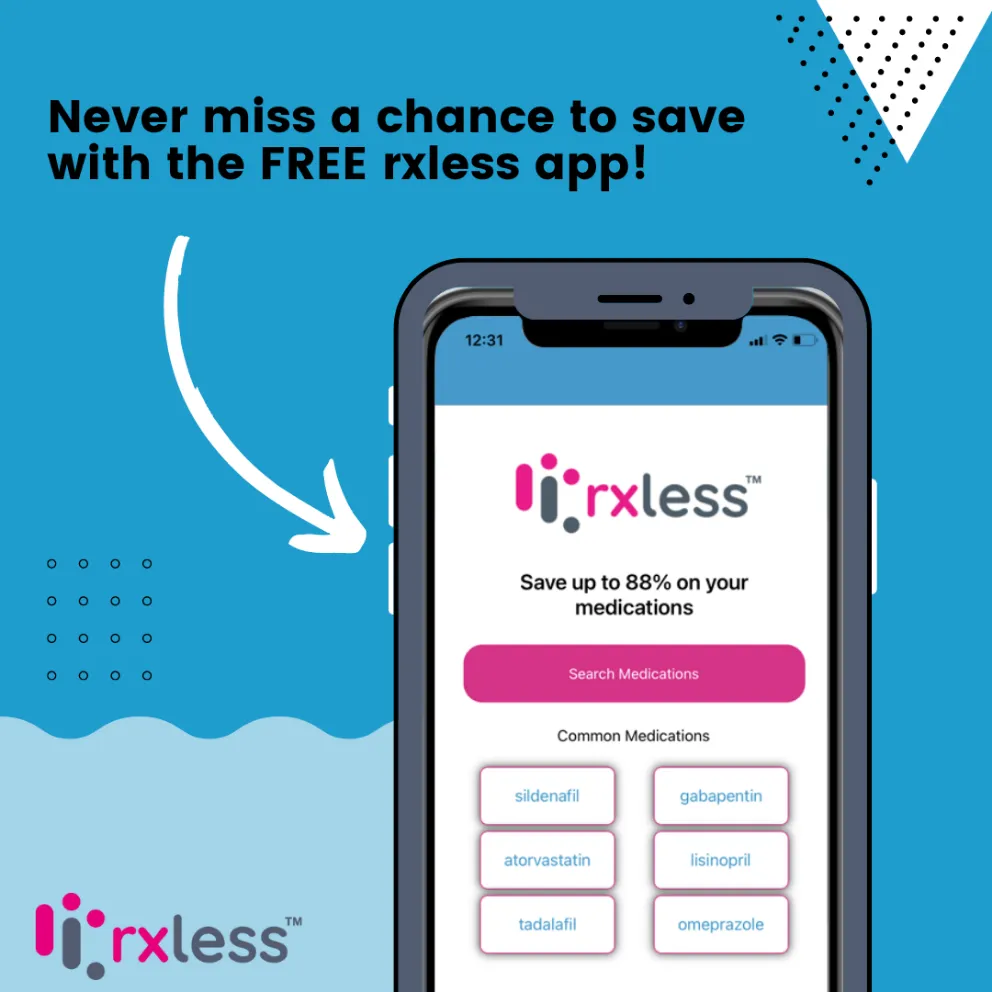


Installing the RxLess® App on your iOS or Android device is quick and painless.
Here's a step-by-step guide on how to download the RxLess® app:
- Open a web browser on your device and navigate to www.rxless.com/app.
- On this page, you will see two buttons, one for the iOS Apple Store and one for the Google Play Store. Click on the appropriate button for your device.
- This will take you to the relevant app store page for the RxLess® app. Click the "Install" or "Get" button to download and install the app on your phone.
- Once the app has finished downloading and installing, open it up and start saving with the app immediately. No signup or enrollment needed.
If you're trying to download the RxLess® app from a desktop computer, you have a couple of options:
- On the RxLess® homepage, hover over the 'Get the app' tab in the header to see a QR code. Scan this QR code using your mobile device's camera app. This will take you directly to the app store page for the RxLess® app, where you can download and install it.
- Alternatively, you can hover over the 'Get the app' tab in the header, enter your phone number, and click "Text yourself a download link". This will send an SMS message to your phone with a link to the app store page for the RxLess® app. Click the link in the message to download and install the app on your phone.
And that's it! Once you've downloaded and installed the RxLess® app, you can start using it to save up to 88% on all your prescription medications. Happy saving!